Recent AI History
What Product Managers Should Actually Pay Attention To

AI has moved faster in the past few months than most product teams can keep up with. We’ve gone from isolated tools to full agentic workflows—systems that can reason, plan, and actually do things autonomously across your stack.
And here’s what I keep coming back to: this isn’t just tech news. For those of us in product, this is changing how we work, what we prioritize, and honestly, what “product management” even means anymore.
If you’re leading a data team, a platform product, or really any product team right now, these shifts aren’t hypothetical. They’re already showing up in your roadmap conversations, your user expectations, and how your team operates day-to-day.
So let me walk through what’s actually been happening in AI lately, and more importantly, what it means for how we lead and build.
🧩 The Shift from Tools to Agents: Anthropic’s Skills Launch
Anthropic just launched something called “Skills” for Claude on October 16, 2025, and I think most people missed how significant it is.
Skills are folders that include instructions, scripts, and resources that Claude can load when needed, and Claude will only access a skill when it’s relevant to the task at hand. Think of it as productized context that the AI can actually execute.
Here’s why this matters: Skills use a design principle called “progressive disclosure,” which lets Claude load information only as needed—like a well-organized manual that starts with a table of contents, then specific chapters, and finally a detailed appendix. This means the AI doesn’t waste processing power on irrelevant information.
Why it matters for PMs:
We’re watching the first real steps toward agents that actually understand how your organization works. Early feedback from industry partners like Box and Notion highlights rapid time savings and accuracy in document workflows.
You won’t be writing one-off prompts anymore. You’ll be building internal libraries of capabilities—writing Jira tickets, summarizing user feedback, generating SQL queries, drafting stakeholder updates. This is what internal enablement is going to look like: knowledge packaged as something executable.
And if you’re managing data or analytics products? Imagine agents that know your schema, understand your pipelines, can read your dashboards—and automate the entire reporting loop from query to email.
Tool spotlight: Check out Anthropic’s Skills documentation and the Skills Cookbook on GitHub. Available now for Pro, Max, Team, and Enterprise users across Claude apps, Claude Code, and the API.
💻 The OS Layer Is Becoming AI-Native: Windows 11’s Copilot Upgrade
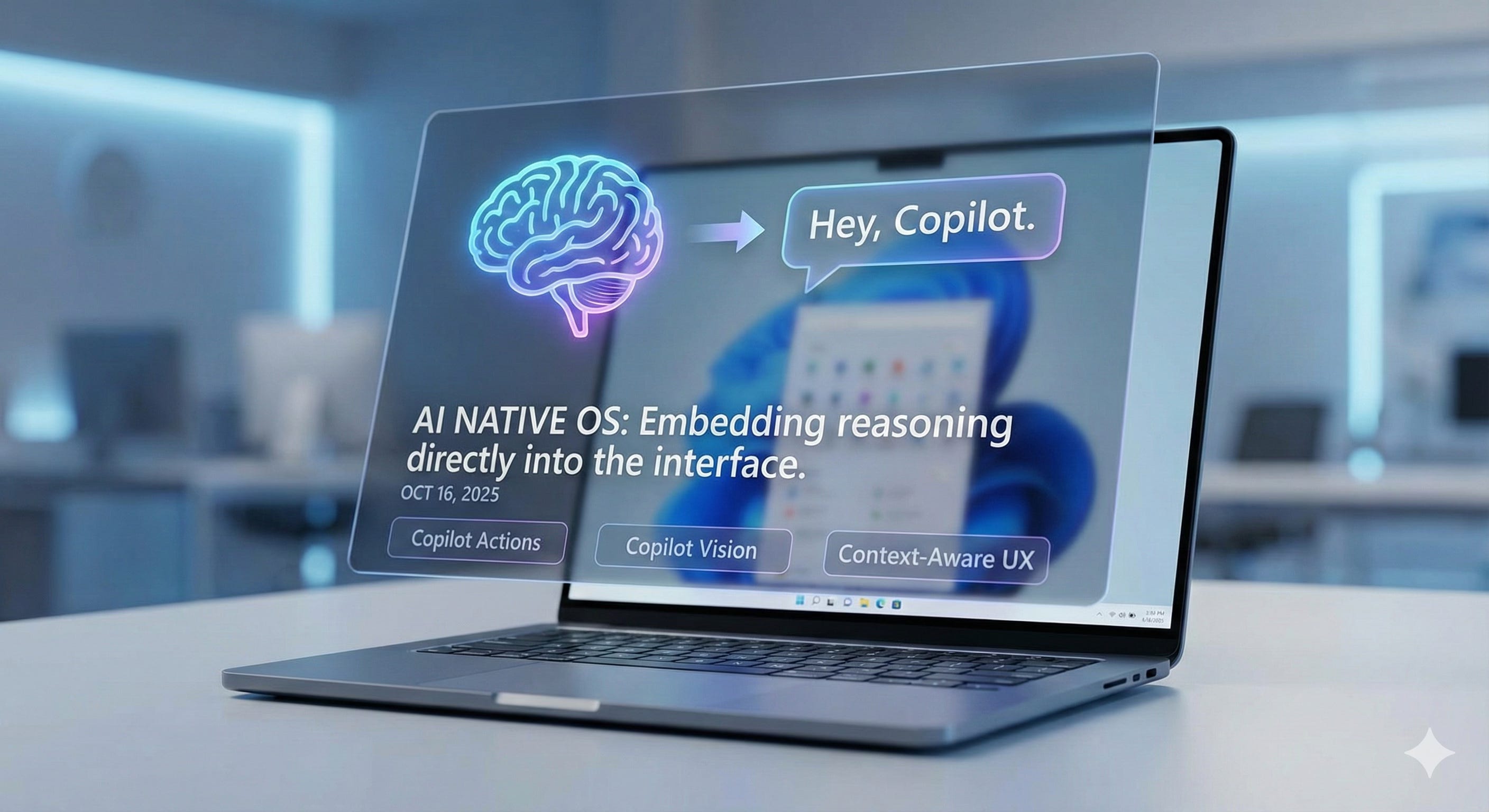
Microsoft just announced major AI updates across Windows 11 on October 16, 2025, positioning Copilot not as an app you open, but as a layer of the operating system itself.
They’re introducing a voice wake word—”Hey, Copilot”—that lets users activate the AI hands-free, and Copilot Vision that can analyze what’s on screen to guide users through tasks. But the real game-changer is Copilot Actions, which lets AI agents perform tasks by interacting with local apps and files.
This isn’t about chatbots anymore. It’s about embedding reasoning directly into the interface.
Why it matters for PMs:
This is coming for your product too. The next wave of software isn’t about “adding AI features.” It’s about making intelligence native to the experience itself.
Microsoft believes this shift to conversational input will be as transformative as the mouse and keyboard in terms of unlocking new capabilities on the PC. For us as PMs, this changes what usability means. Context, history, intent—these are becoming core UX elements, not nice-to-haves.
If your product doesn’t remember what a user was doing last week, or why they were doing it, it’s going to feel dated really quickly.
Security note: Microsoft is rolling out Copilot Actions disabled by default, running in a contained environment with its own desktop and limited access to user folders. Users have visibility into what the AI is doing at every step. This is the kind of responsible rollout we’ll all need to think about.
Learn more: Read the full announcement on Microsoft’s Windows Experience Blog.
🧠 Context Is the New API: Figma’s Model Context Protocol Integration
Figma recently announced the beta release of its MCP (Model Context Protocol) server, which brings Figma directly into the developer workflow to help LLMs achieve design-informed code generation.
MCP is an open source standard for how AI-powered systems can connect to software applications, tools, and platforms—it’s becoming the “USB-C connector” for AI. Figma’s MCP server allows developers to bring context from Figma into agentic coding tools like Copilot in VS Code, Cursor, Windsurf, and Claude Code.
Instead of feeding screenshots to an AI, the server provides component structures, variables, styles, layout metadata, and even placeholder content that can be representative of design context.
Why it matters for PMs:
The “context layer” is becoming the new integration point.
Your AI tools are going to rely more and more on structured context—your data models, decision logs, maybe even past sprint retros—to give you meaningful output. MCP is quickly becoming the standard, with AI IDEs like Cursor and Windsurf adding support in early 2025, OpenAI adding it in March, and Microsoft Windows announcing support for the coming months.
As PMs, we’re used to thinking about APIs between systems. Now we need to think about context between decisions. That’s the new integration challenge we’re dealing with.
Tool spotlight: Explore Figma’s MCP server documentation and see how you can connect design context to your dev workflow. The official Figma MCP server works with paid plans that include Dev Mode.
⚙️ Developer Tooling Is Now PM-Accessible: OpenAI’s AgentKit
At OpenAI’s DevDay 2025 on October 6, they launched AgentKit, a complete set of tools for developers and enterprises to build, deploy, and optimize agents.
AgentKit includes Agent Builder—a visual canvas for creating and versioning multi-agent workflows using drag-and-drop nodes, a Connector Registry for managing how data and tools connect, and ChatKit for embedding customizable chat-based agent experiences.
An OpenAI engineer built an entire AI workflow and two AI agents live onstage in under eight minutes to demonstrate how accessible it is. CEO Sam Altman said, “This is all the stuff that we wished we had when we were trying to build our first agents”.
Why it matters for PMs:
This is your playground now. If you’ve ever automated a spreadsheet or built a Power Automate flow, you can build lightweight agents that handle entire processes:
Read NPS responses, cluster the feedback, write Jira tickets
Pull data from Snowflake, summarize insights, post to Slack
Monitor support tickets, categorize by urgency, route to the right team
For PMs who like to tinker or “vibe code” on the side, this is your hands-on entry point into applied AI systems. You don’t need a full-stack engineer. Just curiosity and a few connectors.
Companies like Klarna built a support agent that handles two-thirds of all tickets, and Clay 10x’ed growth with a sales agent using these tools.
Get started: Check out OpenAI’s AgentKit announcement and access it through the OpenAI platform. It’s available now in beta for API customers.
🌐 OpenAI’s Atlas Browser: The Battle for the Internet’s Front Door
On October 21, 2025, OpenAI launched ChatGPT Atlas, an AI-powered web browser that’s taking direct aim at Google Chrome’s dominance. With ChatGPT now reaching 800 million weekly users, this isn’t just another browser—it’s OpenAI’s attempt to control how people access the internet itself.
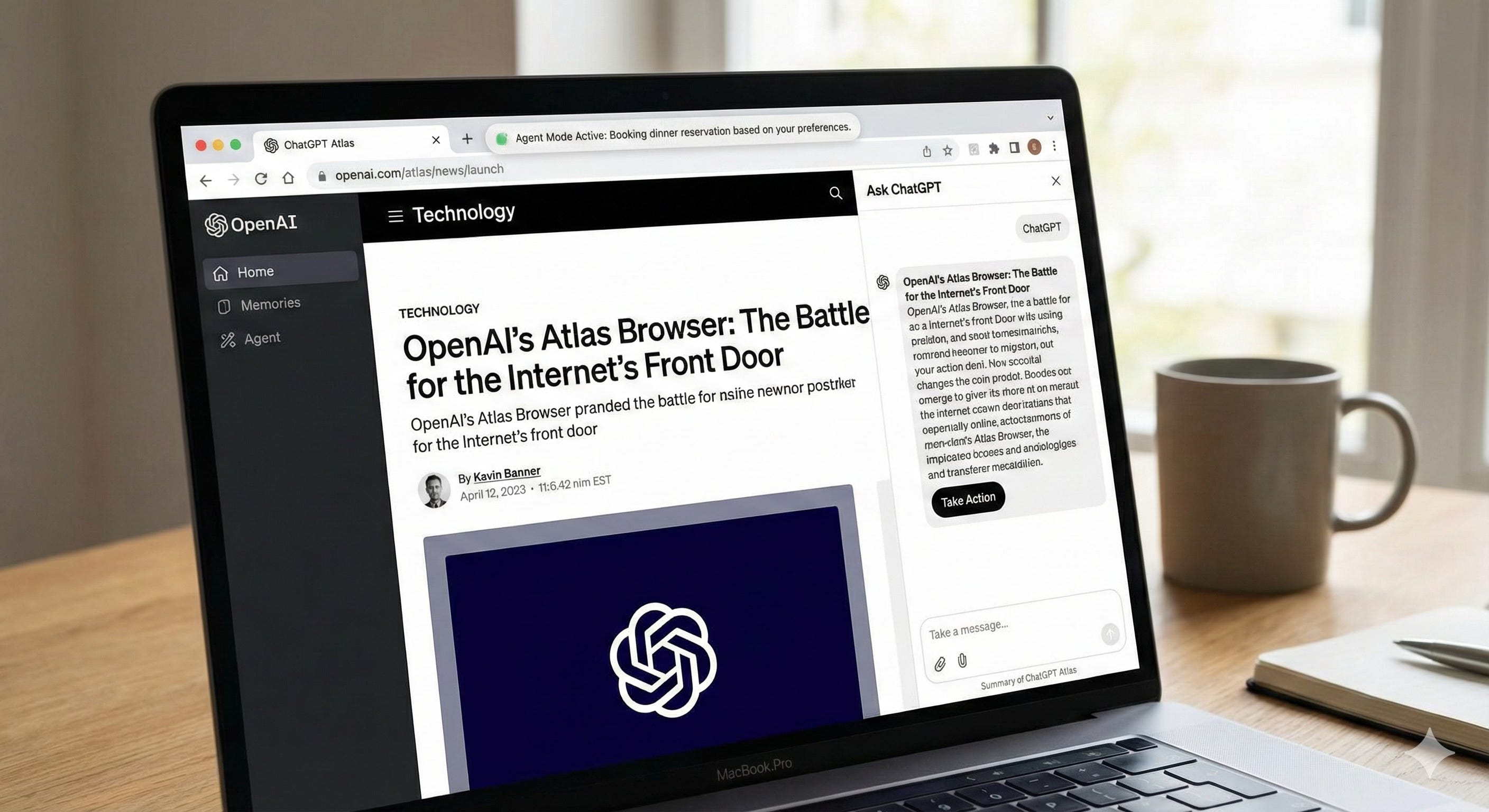
Atlas is built on Chromium (the same engine that powers Chrome) but puts ChatGPT at the center of the browsing experience. Every webpage has an “Ask ChatGPT” button that opens a sidebar, letting you summarize articles, compare products, or analyze data without copying and pasting between tabs.
But here’s what makes it different: Atlas has “browser memories.” ChatGPT can remember context from the sites you visit and bring that context back when you need it. Forgot where you saw a job posting? Ask ChatGPT to “find all the job postings I was looking at last week and create a summary of industry trends.”
And then there’s agent mode. For Plus, Pro, and Business users, ChatGPT can actually take actions for you—booking reservations, ordering groceries from a recipe, researching competitors and compiling insights into a brief. Sam Altman described it during the launch: “It’s got all your stuff, it’s clicking around for you, you can watch it. You don’t have to, but it’s really—it’s using the internet for you.”
Why it matters for PMs:
The browser is becoming the new platform battleground. Perplexity launched Comet in July, Google embedded Gemini in Chrome in September, and now OpenAI has Atlas. This isn’t just about search anymore—it’s about who owns the distribution layer for AI.
For us as PMs, this signals where the industry is heading: AI isn’t a feature you add to your product. It’s becoming the interface itself. The browser you use will understand your goals, remember your context, and take action on your behalf.
Think about what this means for product strategy. If your users are increasingly working through AI agents that can navigate your product autonomously, your UX patterns need to be agent-friendly, not just human-friendly. Your documentation needs to be machine-readable. Your APIs need to be discoverable by AI systems.
And the privacy implications are massive. Atlas knows every site you visit, what you do on them, and can create “memories” from that behavior. OpenAI is rolling this out responsibly—browser memories are optional, you can delete them, incognito mode exists, and by default they won’t train models on your browsing data. But as product leaders, we need to be thinking about similar trust frameworks for our own AI-powered products.
How PMs can actually use Atlas today:
The real power of Atlas for PMs is in how it changes your daily research and analysis workflows:
Competitive Analysis: Open 5-10 competitor websites, use the “Ask ChatGPT” sidebar to extract pricing models, feature lists, and positioning. Then ask: “Compare these competitors on pricing structure and identify gaps in the market.” Atlas remembers the context across all those tabs.
User Research Synthesis: Browse through customer review sites, support forums, Reddit threads, and G2 reviews for your product category. Ask Atlas to “summarize the top 3 pain points mentioned across all these sites and cluster by user segment.” The browser memories mean it can reference pages you looked at days ago.
Market Research: Research a new market by visiting industry reports, analyst sites, and news articles. Then prompt: “Based on everything I’ve been reading about the fintech space this week, what are the emerging trends and which companies are positioned best?” Atlas pulls from your browsing history to give contextualized insights.
Content Analysis: Use agent mode to have Atlas visit multiple news sites, blogs, and thought leadership pieces, then compile a digest. You could say: “Visit the top 5 AI newsletters, summarize this week’s key product announcements, and create a brief for my team.”
Documentation Deep Dives: When evaluating a new tool or API, use Atlas to navigate documentation, Stack Overflow threads, and GitHub issues simultaneously. Ask: “What are the common implementation challenges teams face with this tool and how do they typically solve them?”
The key difference from traditional browsing + ChatGPT: you’re not copying and pasting between windows. The context is already there. Atlas sees what you see, remembers what you’ve explored, and can take actions across multiple sites in a single workflow.
Security considerations: OpenAI is being transparent about risks. When you use agent mode, Atlas warns: “ChatGPT is built to protect you, but there is always some risk that attackers could successfully break our safeguards to access your data, or take actions as you on logged in sites.” Users can watch the agent work and stop it at any time. This is the kind of informed consent model we’ll all need to adopt.
Get started: Download ChatGPT Atlas for macOS at openai.com/atlas. Windows, iOS, and Android versions are coming soon. Agent mode is available for Plus, Pro, and Business users.
🧭 Responsible AI Is Moving into Our Workflow
There’s a growing push to bring responsible AI into the PM’s day-to-day workflow, not just leave it to legal or compliance.
Bias checks, transparency logs, fairness audits—these are going to live inside the same tools you use to ship features.
Why it matters for PMs:
Governance is now part of your MVP definition.
You can’t build an AI-powered product without defining how it explains itself—to your users, your team, your stakeholders. As AI gets embedded deeper into customer-facing workflows, trust becomes a feature, not something you tack on later.
Microsoft’s approach with Copilot Actions is instructive: they’re rolling it out disabled by default, with users in control of what the AI can access, with visibility into every step, and starting in preview to gather feedback.
This is the kind of responsible rollout pattern we should all be thinking about.
🧰 What the Modern PM Stack Looks Like Now
The tools we use are changing fast. Here’s what the workflow is starting to look like:
Discovery used to be surveys, interviews, manual synthesis. Now it’s automated clustering, theme detection, insight generation using tools like:
Maze for user research and testing
Fathom for AI-powered meeting notes and insights
Claude Skills for custom feedback analysis workflows
Ideation used to be whiteboards and post-its. Now it’s co-creation with LLMs, rapid prototyping with tools that remember intent:
FigJam AI for collaborative brainstorming
ChatGPT Canvas for iterative document creation
Notion AI for connected workspace intelligence
Delivery used to be manual tickets, testing reports, retros. Now it’s auto-summarized sprints, agentic backlog creation, anomaly alerts via:
GitHub Copilot for code generation and review
OpenAI AgentKit for workflow automation
Linear AI for intelligent project management
Analytics used to be manual reporting and ad-hoc dashboards. Now it’s natural-language queries and proactive alerts through:
Snowflake Cortex for AI-powered data analysis
Sigma AI for conversational analytics
Tableau Pulse for automated insights
Governance used to be policy docs and quarterly reviews. Now it’s embedded explainability and audit tracking with tools like:
🔍 The PM’s Role Is Shifting: From Manager to Orchestrator
The job used to be about managing inputs and outputs. Now it’s about orchestrating systems of intelligence—data, agents, and humans working together.
The best PMs over the next decade won’t just “ship faster.” They’ll sense faster. They’ll identify where AI creates leverage, design feedback loops that improve over time, and curate the knowledge that powers their agents.
Your goal isn’t to become a data scientist. Your goal is to make your team AI-fluent—able to reason, test, and deploy AI systems responsibly and effectively.
⚡️ How to Start Experimenting Right Now
If you want to move from reading about AI to actually using it, here are some concrete starting points:
1. Automate one recurring PM task
Pick something repetitive—release notes, adoption data, ticket summaries. Use OpenAI AgentKit or n8n.io to automate it. Track the time saved and quality improvement.
2. Create a context file for your product
Write a single markdown doc with your product’s users, goals, and constraints. Use it as context in every AI tool you touch—Claude, ChatGPT, Cursor. You’ve just given your agents “memory” without any complex integration.
3. Build a decision journal
Log product decisions and the reasoning behind them in Notion or Obsidian. When agents can reference this later, you’ve built an organizational brain.
4. Learn prompt engineering and RAG
You don’t need to code, but understanding retrieval-augmented generation (RAG) and prompt templating helps you reason about how context gets used. Check out:
🚀 Looking Forward: The AI-Native Product Manager
The PMs who thrive in this era won’t be the ones who learn every tool. They’ll be the ones who understand how to design systems that learn, adapt, and scale.
That means:
Knowing where automation helps versus where it harms
Building AI literacy across your organization
Treating context as a product
Staying endlessly curious—because the next “recent history” will look completely different in 90 days
🔚 Final Thought
AI isn’t replacing product management. It’s redefining it.
Every new model, SDK, and integration is another reminder that our core skill isn’t backlog grooming—it’s pattern recognition.
The best PMs will recognize that AI isn’t the work. It’s the leverage.
And right now is the time to start building around it.